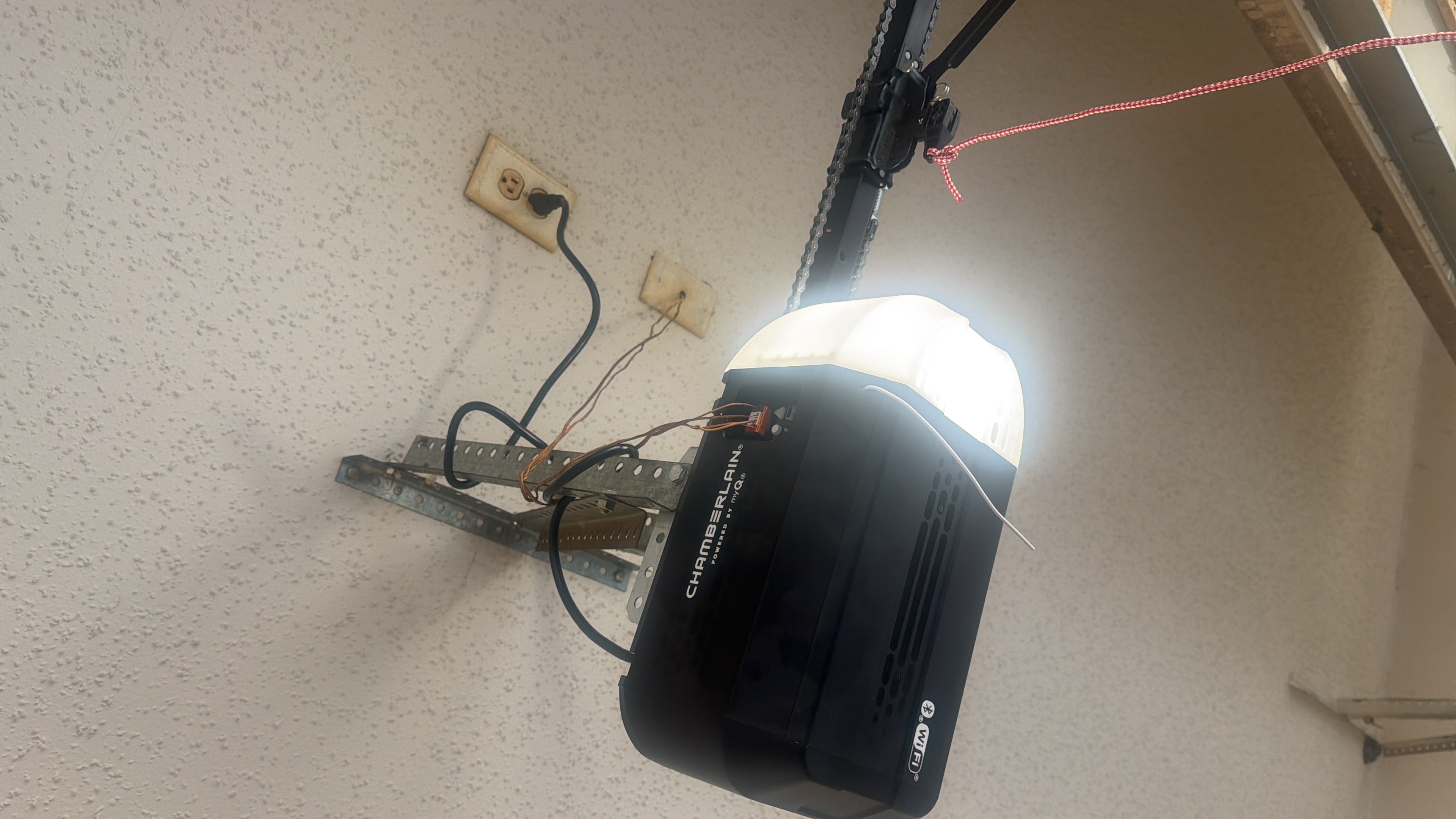
Power outages happen — especially during Texas storms. When power comes back, most things in your home reset automatically. Your garage door opener sometimes needs a little help.
Step 1: Check the Obvious First
Before anything else:
- Is the opener plugged in? Sometimes the outlet loses power even after the main power returns.
- Is the outlet working? Plug in a lamp or phone charger to test it.
- Did the circuit breaker trip? Check your electrical panel.
Step 2: Look for the Red Cord
During a power outage, many homeowners pull the red emergency release cord to open the door manually. This disconnects the door from the opener. After power returns, the opener runs — but the door doesn't move because it's still disconnected.
Fix: Pull the red cord toward the door (not straight down) until you hear a click. The carriage should re-engage.
Step 3: Reset the Opener
Power surges during outages can scramble the opener's internal settings. Try unplugging the unit for 30 seconds, then plugging it back in. This forces a full reset.
Step 4: Reprogram the Remote
After a surge or reset, your remote may lose its pairing. Look for the "Learn" button on the opener unit (usually a small colored button near the light). Press it, then press your remote button within 30 seconds to re-pair.
Step 5: Check the Safety Sensors
The two small sensors at the bottom of the door track must be aligned and unobstructed. If one has a blinking light, it's out of alignment. Gently adjust it until both lights are solid.
When to Call Us
If none of the above works, the power surge may have damaged the logic board inside the opener. This is a common issue after severe storms. We can diagnose it quickly and advise whether repair or replacement makes more sense.